Codex Limit Tray
Windows · Free and open source
Codex limits in the Windows system tray
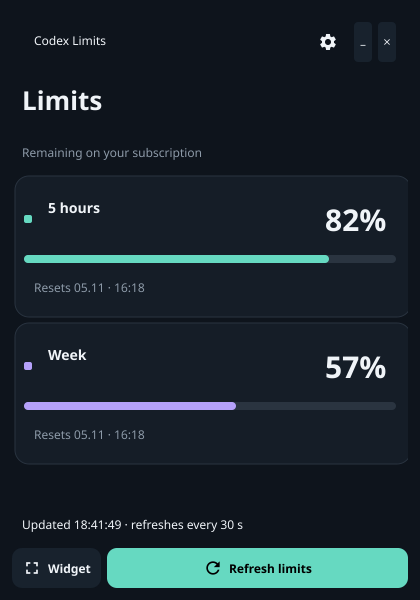
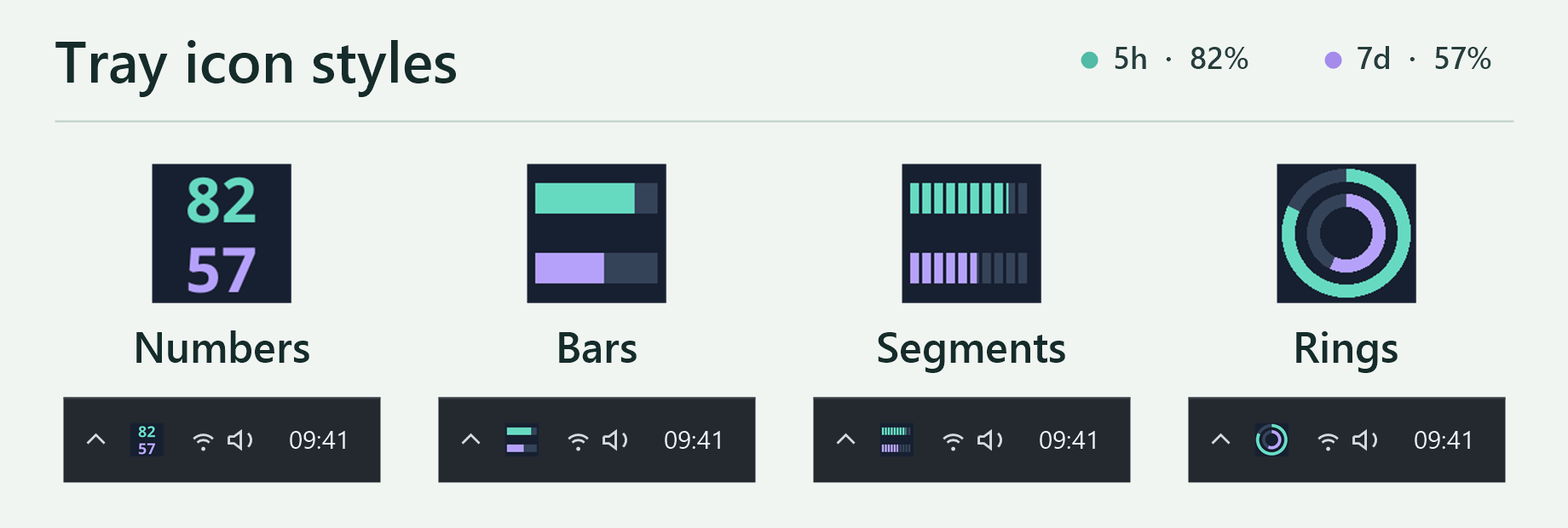
See what’s left of your five-hour and weekly Codex limits and when they reset. Keep the indicator next to the clock or open a small always-on-top widget.
Windows x64 installer · Requires Codex installed and signed in
Setup
How to show Codex limits in the tray
- Sign in to Codex. Use Codex Desktop or run
codex login. The tray app needs no separate account or API key. - Run the Windows installer. It installs for your Windows account without admin rights. The installer is unsigned, so SmartScreen may show a warning. Download it only from this project’s GitHub Releases.
- Open Codex Limit Tray. Close the window to keep the app running in the tray. Click the icon to see what’s left and when your limits reset.